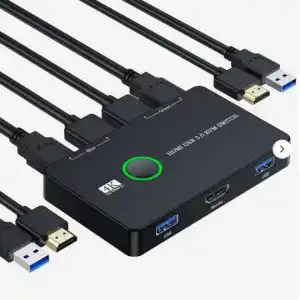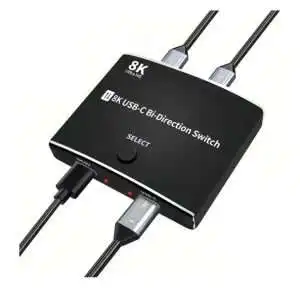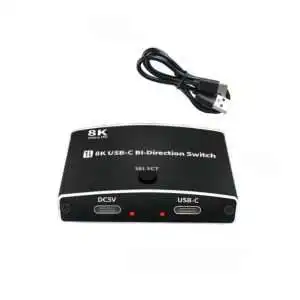
A kvm switch lets two computers share one monitor, one keyboard and one mouse, and hands the whole desk from one machine to the other at the press of a button. The thing to settle before you buy is how each computer will connect, because that is the only real difference between the two sitting in this category.
One cable per computer, USB-C, suits a thin laptop with a USB-C port and nothing much else to spare. Two cables per computer – HDMI for the picture and USB for the keyboard and mouse – suits a desktop tower, an older laptop, or any machine with an HDMI socket, and an HDMI KVM switch is also the one that arrives with all four leads in the box.
Both are single-monitor products. One video output goes to one screen, and that screen shows whichever computer is selected. If you run two screens and want both to follow the switch you need a dual-monitor unit, which has two video outputs and is a different box – and it is the thing worth checking before you order, because getting it wrong is an expensive mistake rather than a small one.
Neither needs drivers or software. A kvm switch is a physical connection, so the button still works when one machine is asleep or has not finished booting – the moment software switching tends to let you down. Stocked in Melbourne, dispatched the same day on orders placed before 10am, with a 180-day warranty.